Modern applications need faster and more reliable software delivery. Developers frequently release new features, security updates, bug fixes, and performance improvements. When deployments are performed manually on production servers, the process can become slow, inconsistent, and error-prone.
A Continuous Integration and Continuous Deployment (CI/CD) pipeline automates many of these steps. It allows development teams to build, test, validate, and deploy applications through a controlled workflow.
For businesses running applications on Dedicated Server Environments, CI/CD can provide greater deployment consistency, better release control, and improved operational efficiency. However, setting up a pipeline requires careful planning around server access, security, application dependencies, testing, rollback procedures, and monitoring.
What Is a CI/CD Pipeline?
CI/CD stands for Continuous Integration and Continuous Delivery or Continuous Deployment.
Continuous Integration (CI) focuses on automatically integrating code changes into a shared repository. Whenever developers push new code, automated processes can compile the application, run tests, perform code checks, and identify problems early.
Continuous Delivery (CD) prepares validated code for deployment. Continuous Deployment goes one step further by automatically releasing approved changes to the production environment.
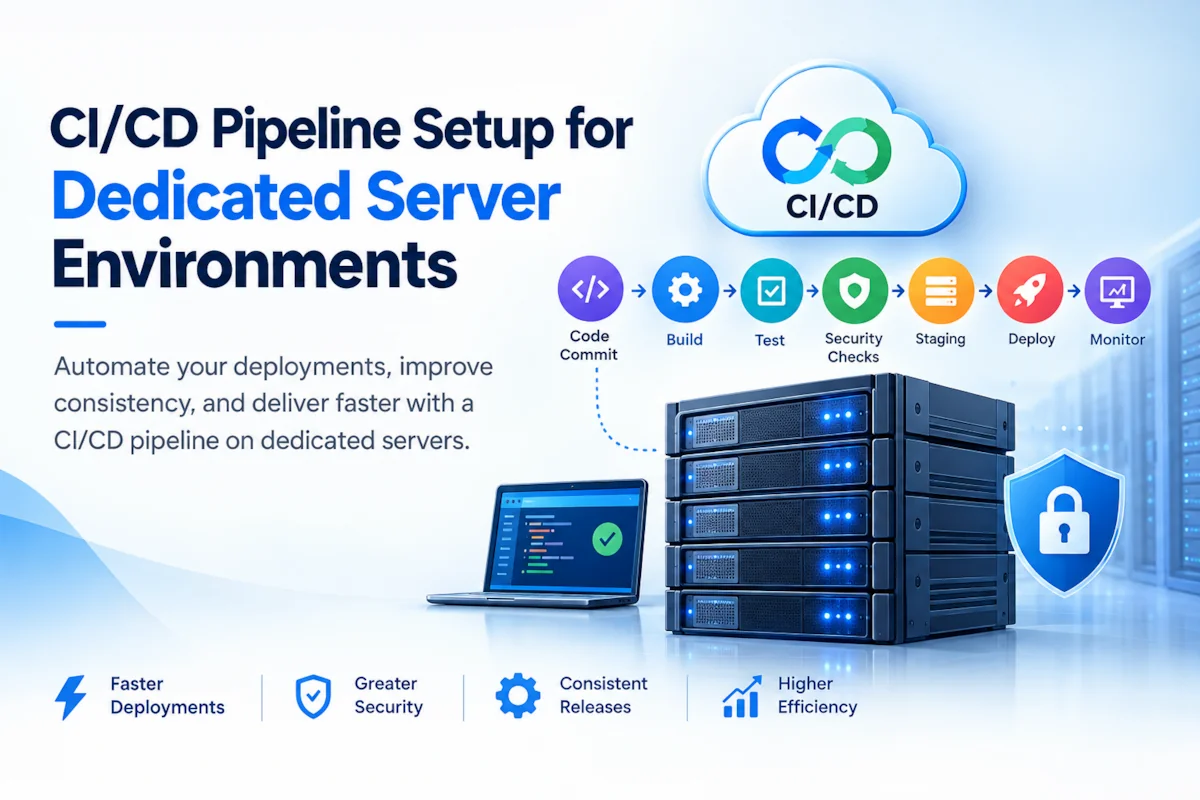
A typical CI/CD workflow looks like this:
Code Commit → Build → Automated Testing → Security Checks → Staging → Deployment → Monitoring
This workflow reduces the dependency on manual deployment activities and creates a repeatable release process.
Why Use CI/CD with Dedicated Servers?
Dedicated servers provide physical resources exclusively for a particular workload. This makes them suitable for applications requiring predictable performance, higher resource control, or customized server configurations.
However, having dedicated infrastructure does not automatically create an efficient deployment process.
A CI/CD pipeline can help teams:
- Automate application deployments
- Reduce manual configuration errors
- Run tests before production releases
- Standardize deployment procedures
- Implement controlled rollbacks
- Improve release frequency
- Maintain deployment logs
- Integrate security checks
- Reduce application downtime
The key objective is to combine the resource control of dedicated infrastructure with the automation of modern software delivery.
Step 1: Prepare the Dedicated Server
Before creating the pipeline, prepare the production server.
Start with a properly configured operating system and install only the software required by the application. Depending on the workload, this may include:
- Linux or Windows Server
- Nginx or Apache
- Docker
- Git
- PHP, Node.js, Python, Java, or another runtime
- Database services
- SSL/TLS configuration
- Monitoring agents
The server should also have appropriate CPU, RAM, storage, and network capacity for the expected workload.
Avoid treating the production server as a development machine. Production infrastructure should remain controlled, documented, and separated from testing environments whenever possible.
Step 2: Configure Secure SSH Access
For Linux-based dedicated servers, SSH is commonly used for administration and deployment.
Avoid using password-based authentication wherever possible. SSH keys provide stronger authentication and can be integrated into automated deployment workflows.
A secure deployment setup should include:
- SSH key authentication
- Restricted administrative access
- Firewall rules
- Limited exposed ports
- Separate deployment users
- Disabled direct root login where appropriate
- Regular credential and key rotation
The CI/CD system should not receive unrestricted server access. Create a dedicated deployment account with only the permissions required to deploy and manage the application.
Step 3: Connect the Source Code Repository
The next step is connecting your source code repository with the CI/CD platform.
Common Git-based platforms include GitHub, GitLab, and Bitbucket. A CI/CD service can monitor the repository and automatically start a pipeline whenever code is pushed or a pull request is merged.
A typical repository workflow could be:
Developer
   ↓
Git Repository
   ↓
Pull Request
   ↓
Code Review
   ↓
Merge
   ↓
CI Pipeline
This ensures that production deployments are based on controlled and reviewed code changes.
Step 4: Build the Application Automatically
After code is received, the CI system should create a consistent build.
The exact process depends on the application.
For example, a Node.js application may use:
npm install
npm run build
A Python application may install dependencies using:
pip install -r requirements.txt
A PHP application may use Composer:
composer install --no-dev
The build environment should be as consistent as possible with the target production environment.
Containerization with Docker can also help maintain consistency between development, testing, and production environments.
Step 5: Add Automated Testing
Testing is one of the most important stages in a CI/CD pipeline.
Deploying every code change directly to a dedicated production server without testing can introduce application errors and downtime.
A pipeline can run different types of tests, including:
Unit Testing
Tests individual application components and functions.
Integration Testing
Checks whether different application components work correctly together.
API Testing
Validates API requests, responses, authentication, and expected behavior.
Security Testing
Checks dependencies and application components for known security vulnerabilities.
Performance Testing
Measures application behavior under expected or simulated workloads.
If critical tests fail, the pipeline should stop before reaching production.
Step 6: Create a Staging Environment
A staging environment should closely resemble production.
For example:
Developer → Git Repository → CI → Testing → Staging → Production
Staging allows the team to verify the application before releasing it to users.
Ideally, the staging environment should use similar:
- Operating system configuration
- Application runtime
- Web server configuration
- Database version
- Environment variables
- Application dependencies
This reduces the possibility of discovering environment-specific problems only after production deployment.
Step 7: Manage Environment Variables and Secrets
CI/CD systems frequently require access to sensitive information such as:
- Database passwords
- API keys
- SSH keys
- Cloud credentials
- Application secrets
- Encryption keys
Never store these values directly inside source code.
Instead, use the secret-management capabilities of your CI/CD platform or a dedicated secrets-management solution.
Production credentials should be separated from development credentials, and access should be limited according to the principle of least privilege.
Step 8: Automate Deployment
Once testing and staging validation are successful, the pipeline can deploy the application to the dedicated server.
A basic deployment process could be:
- Backup current release
- Fetch new application version
- Install dependencies
- Run database migrations if required
- Update application files
- Restart or reload required services
- Run health checks
- Confirm deployment
For web applications using Nginx, for example, the deployment process may reload services instead of performing a complete restart when appropriate.
Automation should be designed to minimize service interruption.
Step 9: Use Blue-Green or Rolling Deployment
For applications where downtime is particularly costly, more advanced deployment strategies can be considered.
Blue-Green Deployment
Two application environments are maintained:
- Blue = current production version
- Green = new version
The new release is deployed to the Green environment and tested. Traffic can then be switched from Blue to Green.
If a serious problem occurs, traffic can be redirected back to Blue.
Rolling Deployment
The new version is introduced gradually rather than replacing every application instance simultaneously.
These approaches can significantly improve deployment safety, although they require additional infrastructure and operational planning.
Step 10: Implement Health Checks
A successful deployment should not be determined only by whether the deployment script completed.
The pipeline should verify application health after deployment.
Useful checks include:
- HTTP response status
- Application health endpoint
- Database connectivity
- Required service status
- API response validation
- Disk availability
- CPU and memory utilization
- Error logs
For example, a simple health endpoint such as:
https://example.com/health
can return a successful response when the application is functioning correctly.
Step 11: Configure Rollback Procedures
Every production deployment should have a rollback strategy.
If a new release introduces unexpected problems, the team should be able to return to the previous stable version quickly.
A deployment system can maintain versioned releases:
/releases/
    release-101/
    release-102/
    release-103/
If release-103 fails, the application can be switched back to release-102.
Database changes require additional planning because application rollback and database rollback are not always symmetrical.
Step 12: Monitor the Dedicated Server
CI/CD automation does not replace server monitoring.
After deployment, monitor:
- CPU utilization
- RAM usage
- Disk I/O
- Storage capacity
- Network traffic
- Application response time
- HTTP errors
- Database performance
- System logs
- Service availability
Monitoring helps identify whether a new release has caused performance degradation or unexpected resource consumption.
Security Best Practices for CI/CD
Security should be included throughout the pipeline rather than added after deployment.
Recommended practices include:
- Use encrypted connections.
- Protect CI/CD credentials.
- Use dedicated deployment accounts.
- Apply least-privilege permissions.
- Restrict SSH access.
- Keep operating systems patched.
- Scan dependencies for vulnerabilities.
- Protect Git repositories.
- Require code reviews for production branches.
- Store secrets securely.
- Maintain deployment logs.
- Monitor failed authentication attempts.
- Maintain reliable backups.
The CI/CD system itself should also be treated as part of the production security boundary.
Hostzop Dedicated Servers for CI/CD Workloads
For businesses running resource-intensive applications, build systems, APIs, databases, and production workloads, Hostzop Dedicated Server infrastructure can provide an environment where teams have greater control over server resources and software configuration.
A dedicated environment can be configured around the application’s CPU, RAM, storage, bandwidth, operating system, security, and deployment requirements. When implementing CI/CD, businesses should evaluate infrastructure performance alongside network reliability, server access, backup strategy, monitoring, and technical support.
A properly designed CI/CD architecture on dedicated infrastructure can help development teams move from manual deployments toward a more predictable and repeatable release process.
Common CI/CD Mistakes on Dedicated Servers
Several mistakes can reduce the benefits of automation:
Deploying Directly From a Developer’s Computer
Production deployments should come through a controlled pipeline rather than an individual’s local machine.
Giving the Pipeline Root Access
CI/CD automation should use a restricted deployment account whenever possible.
Skipping Testing
Fast deployment without validation can simply make failures happen faster.
Storing Secrets in Git
Passwords, API keys, and private credentials should never be committed to the repository.
Ignoring Rollbacks
A deployment is not complete until there is a recovery plan.
Not Monitoring After Deployment
Applications can appear healthy immediately after deployment and still develop resource or performance problems later.
CI/CD Pipeline Checklist
Before deploying applications to dedicated infrastructure, verify:
- Source repository is configured.
- CI/CD platform is connected.
- Build process is automated.
- Automated tests are enabled.
- Security checks are included.
- Staging environment is available.
- Secrets are securely stored.
- Deployment account has limited permissions.
- Server firewall is configured.
- Application health checks are available.
- Backups are configured.
- Rollback procedures are documented.
- Server monitoring is active.
- Deployment logs are retained.
Conclusion
A well-designed CI/CD pipeline can transform application deployment from a manual and error-prone activity into a controlled, repeatable process. When combined with Dedicated Server Environments, CI/CD provides development teams with both infrastructure control and deployment automation.
The most effective setup is not simply about automatically moving code to a server. It should include secure access, automated builds, testing, staging, secret management, health checks, monitoring, backups, and reliable rollback procedures.
By treating infrastructure, application delivery, security, and monitoring as parts of the same workflow, businesses can release software more confidently while maintaining the performance and reliability expected from dedicated server infrastructure.