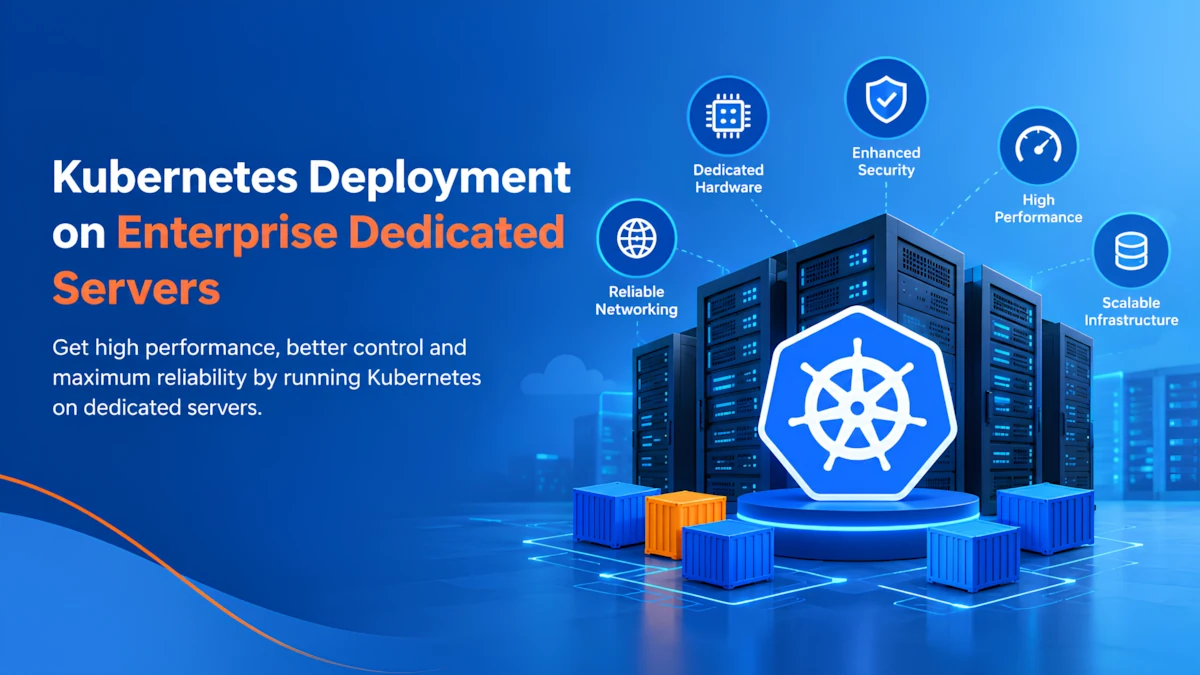
Modern businesses are increasingly using containerized applications to build, deploy, and manage software at scale. Kubernetes has become one of the most widely adopted platforms for orchestrating these containers because it automates deployment, scaling, networking, service discovery, and workload management.
However, Kubernetes performance depends heavily on the infrastructure underneath it. While Kubernetes can run across many infrastructure models, deploying it on Enterprise Dedicated Servers can provide organizations with predictable computing resources, greater infrastructure control, and consistent performance.
This guide explains how Kubernetes can be deployed on enterprise dedicated infrastructure, what hardware and networking requirements should be considered, and how businesses can build a reliable Kubernetes environment.
What Is Kubernetes?
Kubernetes is an open-source container orchestration platform designed to automate the deployment, management, scaling, and operation of containerized applications.
Instead of manually managing individual containers, Kubernetes organizes them into logical workloads and continuously works to maintain the desired application state.
A typical Kubernetes environment consists of:
- Control plane: Manages the Kubernetes cluster and its overall state.
- Worker nodes: Run application containers and workloads.
- Pods: The smallest deployable units in Kubernetes.
- Services: Provide stable networking access to applications.
- Deployments: Define how applications should be deployed and updated.
- Ingress: Controls external HTTP and HTTPS access to services.
For enterprise applications, Kubernetes can simplify application management while providing tools for automated scaling, rolling updates, self-healing, and workload scheduling.
Why Use Dedicated Servers for Kubernetes?
Kubernetes can run on virtual machines, public clouds, private clouds, or bare-metal infrastructure. Dedicated servers provide a different approach by giving organizations physical machines reserved for their workloads.
One of the main advantages is predictable resource availability. CPU cores, RAM, storage, and network resources are not shared with unrelated customers at the physical server level.
This can be particularly valuable for applications that require consistent performance, including databases, enterprise APIs, ERP platforms, analytics systems, CI/CD environments, and high-traffic web applications.
Dedicated infrastructure can also provide greater control over server configuration, operating systems, virtualization choices, networking, storage, and security policies.
Understanding Kubernetes Cluster Architecture
Before deploying Kubernetes, it is important to understand how the cluster is structured.
A production environment normally uses multiple nodes rather than putting everything on a single server.
Control Plane Nodes
The control plane manages the Kubernetes cluster. Important components include the Kubernetes API server, scheduler, controller manager, and etcd.
For production environments, organizations should consider multiple control plane nodes to reduce the risk of a single point of failure.
Worker Nodes
Worker nodes execute application workloads. Kubernetes schedules pods across these nodes based on available resources and workload requirements.
A larger cluster can have many worker nodes, allowing applications to distribute workloads across multiple physical machines.
Load Balancing
A load balancer can distribute incoming traffic between Kubernetes services or ingress controllers. This improves availability and helps prevent one node from becoming a single traffic bottleneck.
Hardware Requirements for Enterprise Kubernetes
The hardware requirements depend on the applications being deployed. There is no universal configuration for every Kubernetes cluster.
CPU
CPU capacity determines how much compute workload the cluster can handle. Applications performing data processing, compilation, analytics, or CPU-intensive calculations may require high-core-count processors.
For general enterprise workloads, modern server processors with multiple physical cores provide a strong foundation for running several Kubernetes workloads simultaneously.
RAM
Memory is critical because Kubernetes workloads compete for available memory on worker nodes.
Insufficient RAM can cause applications to experience memory pressure or be terminated by the operating system. Enterprise deployments should therefore estimate application memory requirements and maintain additional capacity for Kubernetes system components and workload growth.
Storage
Storage performance becomes especially important for stateful applications.
Applications such as databases, logging systems, message queues, and analytics platforms may generate significant read/write activity. High-performance SSD or NVMe storage can help reduce storage latency and improve application responsiveness.
Storage architecture should also consider redundancy, backups, replication, and recovery requirements.
Network
Kubernetes generates considerable internal network traffic between pods, services, nodes, and external systems.
A reliable network with sufficient bandwidth and low latency is therefore essential. For larger clusters, network capacity should be planned according to application traffic, storage replication, container image downloads, monitoring, backups, and external user traffic.
Preparing Dedicated Servers for Kubernetes
Before installing Kubernetes, each server should be properly prepared.
Start by installing a supported Linux distribution and applying current security updates. Configure hostnames and networking so every node can communicate reliably with other cluster members.
The server should also have synchronized system time, appropriate firewall rules, DNS configuration, and required Kubernetes ports available.
Container runtimes such as containerd can then be configured to provide the environment required to run containers.
Administrators should also disable unnecessary services and apply security hardening before joining the machines to the production cluster.
Deploying the Kubernetes Cluster
There are several ways to install Kubernetes. Organizations can use tools such as kubeadm or select a Kubernetes distribution designed for enterprise deployments.
A typical deployment process includes:
- Preparing the control plane servers.
- Installing the container runtime.
- Installing Kubernetes components.
- Initializing the first control plane node.
- Configuring the Kubernetes networking layer.
- Joining additional control plane nodes if required.
- Preparing worker nodes.
- Joining worker nodes to the cluster.
- Deploying applications and services.
- Configuring monitoring, backups, and security policies.
Once the cluster is operational, administrators can use Kubernetes manifests or Helm charts to deploy applications consistently.
Kubernetes Networking on Dedicated Infrastructure
Networking requires careful planning because Kubernetes creates multiple communication paths.
Pods need to communicate with other pods, services need to reach pods, and external users need access to applications.
A Container Network Interface (CNI) plugin provides networking functionality inside the cluster. Popular Kubernetes networking technologies include Cilium and Calico, among others.
For production environments, administrators should also consider network policies. These policies can restrict communication between workloads and reduce unnecessary network access.
Ingress controllers can then be used to route external HTTP and HTTPS traffic to Kubernetes services.
Storage and Stateful Applications
Kubernetes is excellent for stateless workloads, but stateful applications require additional planning.
Databases and other applications that store persistent data should use Kubernetes Persistent Volumes and appropriate storage classes.
When Kubernetes runs on dedicated servers, storage can be designed around the requirements of the organization. High-performance local storage, network-attached storage, or replicated storage architectures can be considered depending on availability and recovery requirements.
Backups should be maintained separately from the production cluster whenever possible. A Kubernetes cluster should not be considered protected simply because application replicas exist.
Security Best Practices
Security should be considered at every layer of a Kubernetes deployment.
Start with hardened operating systems and restrict SSH access to authorized administrators. Kubernetes API access should also be protected through strong authentication and role-based access control.
Additional security practices include:
- Apply regular operating system and Kubernetes updates.
- Use Role-Based Access Control (RBAC).
- Restrict unnecessary network communication.
- Protect Kubernetes secrets.
- Use TLS for sensitive communications.
- Scan container images for vulnerabilities.
- Limit container privileges.
- Monitor unusual activity.
- Maintain regular backups.
- Test disaster recovery procedures.
Security policies should be reviewed continuously as applications and cluster requirements change.
Monitoring Kubernetes Performance
Monitoring is essential for production Kubernetes environments.
Administrators should monitor CPU utilization, memory consumption, disk usage, network traffic, pod health, node availability, API server performance, and application response times.
Tools such as Prometheus and Grafana are commonly used to collect and visualize Kubernetes metrics. Centralized logging can also help administrators investigate application errors and infrastructure problems.
Performance monitoring is particularly important on dedicated infrastructure because it helps identify whether workloads require additional nodes, more CPU, additional memory, or improved storage performance.
Hostzop Enterprise Dedicated Servers for Kubernetes
For organizations planning production Kubernetes deployments, the underlying server infrastructure should be evaluated carefully before selecting a hosting provider. Hostzop provides Dedicated Server infrastructure designed for businesses that require dedicated CPU, RAM, storage, and network resources for demanding workloads. Its enterprise-oriented dedicated server configurations can be considered for Kubernetes clusters running containerized applications, databases, development environments, CI/CD pipelines, APIs, and high-traffic websites.
When evaluating a Hostzop environment for Kubernetes, organizations should consider processor capacity, available RAM, storage performance, bandwidth, network connectivity, datacenter infrastructure, uptime commitments, backup requirements, monitoring, and technical support. Dedicated resources can provide predictable performance for Kubernetes worker nodes, while multiple servers can be combined to create a more resilient cluster architecture. Businesses should still size the infrastructure according to their actual workload requirements and validate performance through appropriate CPU, storage, network, and application-level testing before moving production workloads to the cluster.
High Availability and Disaster Recovery
A production Kubernetes cluster should be designed to tolerate hardware or software failures.
Running multiple worker nodes allows Kubernetes to reschedule workloads when a node becomes unavailable. Multiple control plane nodes can provide additional resilience for the Kubernetes management layer.
However, high availability does not replace backups.
Organizations should maintain backups of important application data, Kubernetes configuration, secrets, and persistent storage. Disaster recovery procedures should also be tested periodically so that administrators know how to restore workloads after a major infrastructure failure.
Common Kubernetes Deployment Mistakes
Several mistakes can reduce the reliability of a Kubernetes environment.
Using a single server for an important production cluster creates a major point of failure. Another common mistake is allocating too few resources to worker nodes.
Organizations may also overlook persistent storage, network capacity, security policies, monitoring, and backup procedures.
Overprovisioning can be equally problematic because unused resources increase infrastructure costs. Resource requests and limits should therefore be configured according to realistic workload requirements.
Conclusion
Kubernetes provides a powerful platform for managing containerized applications, but the infrastructure supporting the cluster plays an equally important role.
Deploying Kubernetes on Enterprise Dedicated Servers can provide predictable hardware resources, greater configuration control, consistent performance, and a strong foundation for demanding enterprise workloads.
A successful deployment requires more than installing Kubernetes. Businesses should carefully plan CPU, RAM, storage, networking, security, monitoring, high availability, backups, and disaster recovery.
Whether you are deploying APIs, databases, eCommerce applications, CI/CD systems, or large containerized platforms, a properly designed dedicated Kubernetes environment can provide the infrastructure control and performance required for long-term growth.