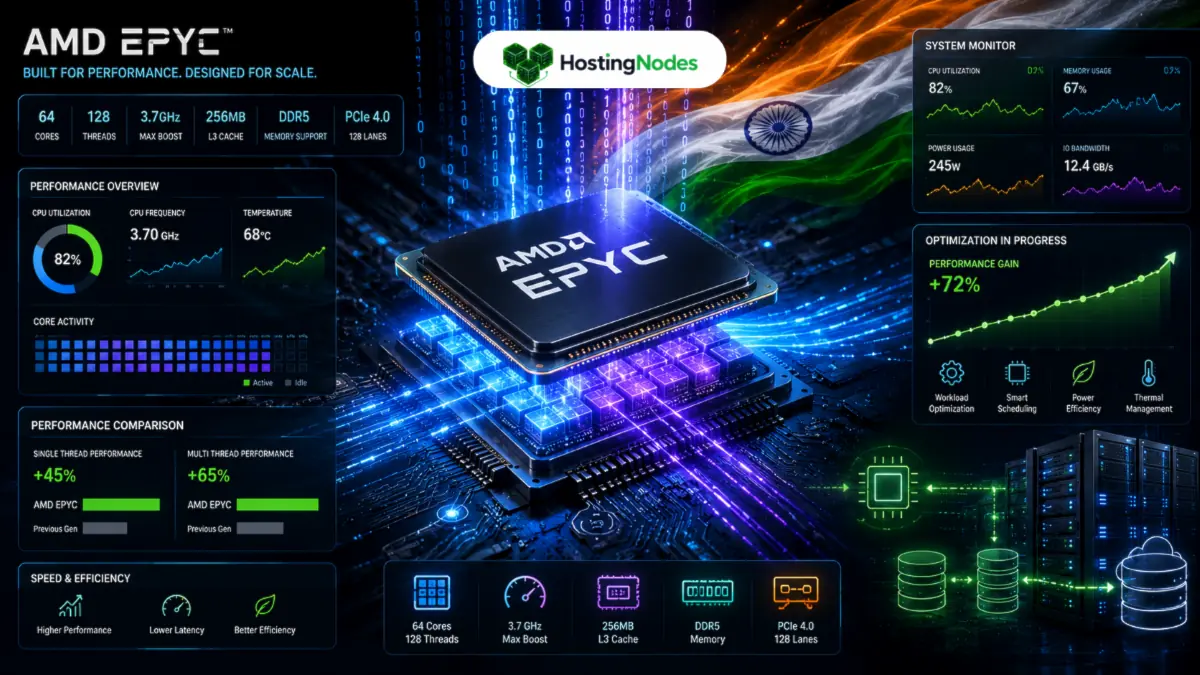
I got into an argument with someone at a tech meetup about processors once. They swore Intel was the only option for servers, and I was like, “Dude, have you actually tested an EPYC chip lately?” That was a few years ago, and honestly, AMD EPYC processors have come a really long way. Now when people ask me what processor their dedicated server should have, I actually recommend EPYC without hesitation in a lot of cases.
Here’s the thing though: just having an EPYC processor doesn’t automatically mean your server runs faster. You need to actually know how to optimize it. That’s what I’m going to walk you through today.
What’s the Deal With AMD EPYC Anyway?
AMD EPYC processors are server-grade chips, which means they’re built specifically for data centers, not gaming PCs. I know that sounds obvious, but people get confused about this. Your friend’s gaming rig with a Ryzen chip? That’s different. EPYC is the enterprise version.
The EPYC lineup includes several generations now—Rome, Milan, Genoa—each one getting faster and more efficient than the last. What makes them special is that they’re designed to handle the kind of work servers actually do: virtualization, database operations, web serving, handling tons of concurrent connections.
For Indian businesses specifically, EPYC processors make sense because they offer really good performance-per-rupee. Intel’s Xeon chips are fine, but they cost more for similar performance. EPYC gives you more bang for your money, which matters when you’re running a tight budget as most Indian startups are.
Why EPYC Is Actually Better for Certain Workloads
I’ve run applications on both Intel and EPYC servers, and I can tell you where EPYC genuinely shines.
Memory bandwidth: EPYC chips have crazy good memory bandwidth. If your application needs to access RAM a lot—which basically every application does—EPYC handles it better. This is especially noticeable if you’re running databases or in-memory caching systems like Redis. You’ll see legitimately faster query times.
Core count: EPYC gives you more cores for the price. A single socket EPYC can have 16 cores, 32 cores, or more depending on the model. More cores means you can handle more simultaneous users or processes. It’s not magic, but it’s genuinely useful.
Power efficiency: EPYC processors are built on newer architectures that don’t waste as much power as older Intel chips. This matters because your hosting provider’s costs go down, and sometimes they pass those savings to you. Plus, less heat means better cooling efficiency.
Virtualization support: If your hosting provider is running virtual machines on top of EPYC hardware, they can often pack more VMs per physical server without performance degradation. That’s why some providers can offer competitive pricing on VPS and dedicated servers with EPYC—the economics work out better.
Getting the Most Out of Your EPYC Server
Okay, so you’ve got a dedicated server with an EPYC processor. How do you actually make it run well?
First, know what you’ve got: Log into your server and check what’s installed:
cat /proc/cpuinfo
This shows you details about your processor. Write down the model and core count. This matters because you’ll want to configure things differently based on this.
Check if hyperthreading is enabled:
lscpu | grep -i thread
Hyperthreading lets each core handle multiple threads. For server workloads, you usually want this on. It improves performance in most cases. If it’s disabled, ask your hosting provider to enable it.
BIOS and Firmware Optimization
This is where a lot of people miss easy performance gains. Your server’s BIOS might not be optimized for performance by default.
Power settings matter: Some hosting providers set servers to “power saving” mode by default. That’s great for reducing costs, but it means your processor isn’t running at full clock speed. If you’re paying for performance, you want performance, not power savings.
Ask your hosting provider to:
- Set power management to “performance” mode
- Enable Turbo Boost (AMD calls this Boost in EPYC)
- Make sure power states aren’t throttling your CPU unnecessarily
CPU frequency scaling: Linux has this thing called CPU frequency scaling. Your processor can run at different speeds depending on load. That’s useful, but sometimes it’s too aggressive. You can check current frequencies:
cat /proc/cpuinfo | grep MHz
If these numbers are way lower than your processor’s rated speed, something’s throttling you. You can set it to “performance” mode:
echo performance | sudo tee /sys/devices/system/cpu/cpu*/cpufreq/scaling_governor
Application-Level Optimization
Here’s where most people get it wrong. They assume the processor does all the heavy lifting, but honestly, your application code matters way more.
Use all your cores: If you’ve got 32 cores and your application only uses 1, you’re wasting resources. Make sure your application can actually parallelize work. For web apps, that means using a load balancer like Nginx and multiple application worker processes.
For Node.js, use the cluster module:
const cluster = require('cluster');
const os = require('os');

if (cluster.isMaster) {
  for (let i = 0; i < os.cpus().length; i++) {
    cluster.fork();
  }
}
For Python with Flask, use Gunicorn with multiple workers:
gunicorn -w 16 app:app
The -w 16 means 16 worker processes. Match this to your core count.
Database optimization: If you’re running a database on the same server, that’s where EPYC really shines. Configure your database to use multiple cores:
For PostgreSQL, increase the number of workers:
ALTER SYSTEM SET max_parallel_workers_per_gather = 4;
ALTER SYSTEM SET max_parallel_workers = 8;
Then restart PostgreSQL.
Monitoring and Tuning
You need to actually watch what’s happening on your server.
Check CPU usage:
top
or for nicer output:
htop
If you’re consistently seeing 100% CPU on all cores, you either need more hardware or your application is inefficient. If you’re seeing very low CPU usage despite high traffic, your application isn’t properly using the cores available.
Monitor per-core performance:
mpstat 1 5
This shows you what each core is doing. If some cores are maxed out and others are idle, your application isn’t distributing work evenly.
Temperature monitoring:
sensors
EPYC processors run hot under load. That’s normal. But if temperatures are consistently above 80°C, your cooling might not be adequate. Tell your hosting provider.
Virtual Machine Optimization (If You’re Virtualizing)
Some people run VMs on top of their dedicated EPYC server. If that’s you, here’s what matters:
Enable nested virtualization if your hosting provider supports it. It’s usually not enabled by default because it has a small performance cost, but if you need it, it’s worth the tradeoff.
Assign cores properly to VMs. If you’ve got a 16-core server and you’re running 4 VMs, don’t give each VM 16 cores. That’s overlapping and causes contention. Give each VM 4 cores.
Use KVM or equivalent. On Linux, KVM is your hypervisor. Make sure it’s properly optimized. Xen is another option but requires more expertise.
Real-World Numbers
I worked with a startup that switched from an older Intel Xeon server to an EPYC-based server. Their database queries got about 25% faster without changing a single line of code. Then they properly optimized their application to use multiple cores, and they saw another 40% improvement. That was just from actually using the hardware they were paying for.
The point is: EPYC processors are fast, but you have to actually optimize your setup to see the benefits. It’s not automatic.
Common Mistakes People Make
Leaving everything at defaults: Just accepting whatever your hosting provider gives you is leaving performance on the table.
Not using multiple cores: Having 32 cores and only using 1 is like buying a truck and only using the trunk.
Over-optimizing too early: Don’t spend weeks tweaking minor settings if your basic architecture is wrong. Get the fundamentals right first.
Ignoring I/O: Sometimes the processor isn’t your bottleneck. It’s disk I/O or network. Use tools to figure out what’s actually slow before blaming the CPU.
When EPYC Makes Sense
Not every workload needs an EPYC processor. Simple websites might run fine on older hardware. But if you’re running:
- High-traffic web applications
- Databases handling lots of concurrent queries
- Machine learning workloads
- Virtualization for multiple projects
- Video transcoding or media processing
…then EPYC is genuinely worth it.
For serious EPYC processor optimization on Dedicated Servers, infrastructure configuration matters as much as application optimization. Hostzop’s EPYC-based servers come properly tuned: power profiles set to performance, CPU frequency scaling configured correctly, and hyperthreading enabled. They monitor per-core performance and thermal metrics to ensure you’re consistently getting the performance you’re paying for. If you need to tweak specific EPYC features for your workload, their support team actually understands the hardware rather than just following generic procedures.
One More Thing Worth Knowing
If you’re going to deploy serious applications on dedicated servers with EPYC processors, you want a provider that actually knows how to configure them properly. Hostzop has been doing EPYC deployments for a while now and they’ve figured out the configuration that works well. Their EPYC-based dedicated servers come pre-optimized—power settings are right, BIOS is configured for performance, and they actually monitor things to make sure you’re getting the performance you paid for. Their support team understands EPYC-specific optimization rather than just generic server stuff. That matters more than you’d think. If you’re evaluating providers for EPYC-based dedicated servers, definitely check them out.
Wrapping Up
AMD EPYC processors are genuinely powerful, and for Indian businesses looking for good performance without premium pricing, they’re a smart choice. But you have to actually use them properly. Set up your BIOS correctly, configure your applications to use multiple cores, and monitor performance to see what’s working.
The processor is just the foundation. What you build on top of it is what determines whether you get value from it or not.